GA4 Data API for Designers: Pull Funnel Data Into Your Own Dashboard.
Stop exporting CSVs. Here's the exact Nuxt server route I use to pull GA4 funnel data into my own dashboard — with the 5 mistakes that cost me days.

One client dashboard — name withheld, figures rounded — exposed a collapse between form_start and generate_lead that used to be buried across three GA4 reports.
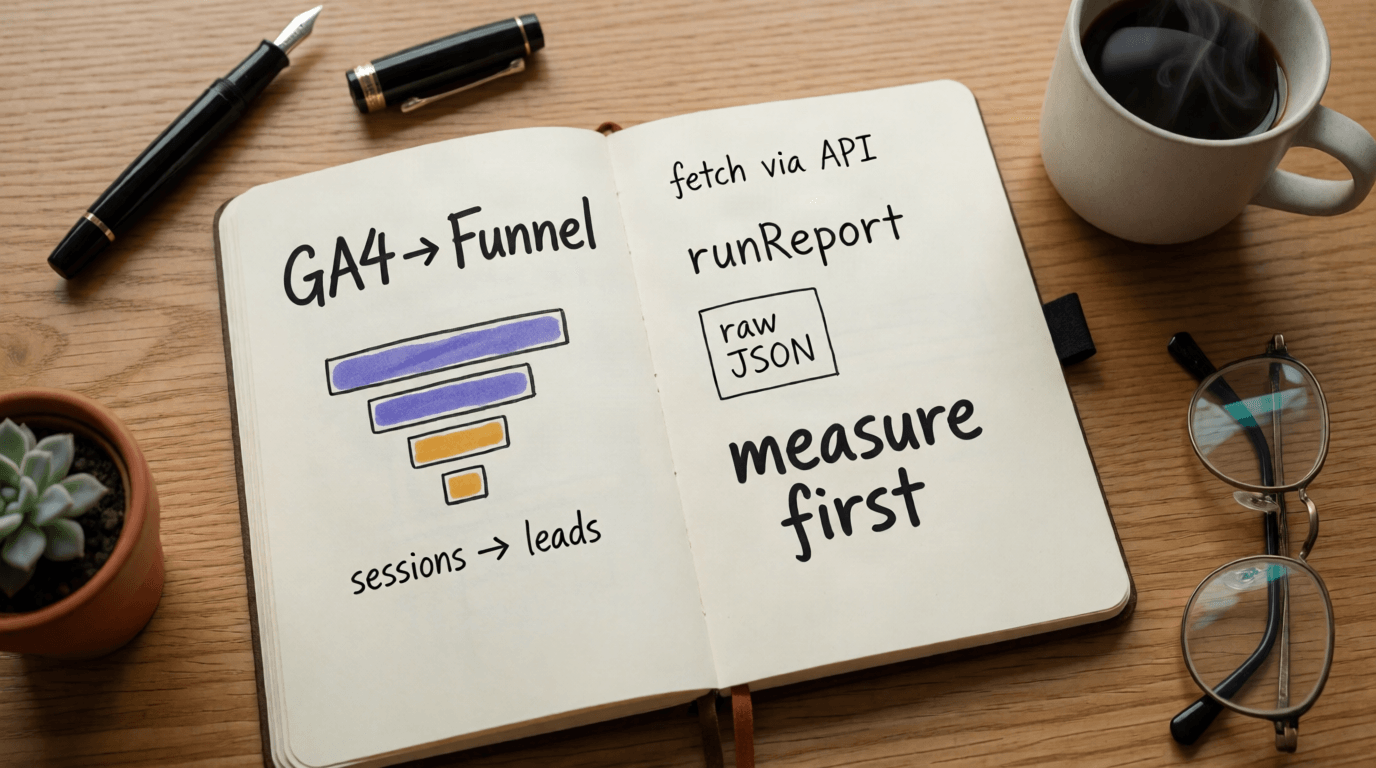
A note on numbers. Client names are withheld and figures are rounded throughout. The method is the deliverable — everything here runs on your property, your events, your data.
Why should a designer bother with the GA4 Data API at all?
Because the distance between "I designed it" and "I can prove it worked" is exactly one API call. GA4's interface is built for analysts answering Google's predicted questions; your funnel, your events, and your definitions live nowhere in it. When I started pulling reports into my own dashboard, design reviews stopped being opinion fights and started being arithmetic.
That shift is the entire reason I now ship analytics with every project. A designer who can query their own tracking is a designer who never has to say "trust me."
What do you need before writing a single line of code?
Four things, all free: a GA4 property with your custom events firing, a Google Cloud project with the Analytics Data API enabled, a service account added as a Viewer on the GA4 property, and your property ID (properties/123456789). That's the whole setup.
The service account must be added inside GA4 (Admin → Property Access Management), not just in Google Cloud. Skip it and the API returns empty rows with zero errors — the most polite failure mode in software.
How does the GA4 Data API actually work?
One endpoint does 90% of the work: runReport. You POST a request describing dimensions (rows), metrics (numbers), and a date range; Google returns a table. Filters narrow rows the same way a segment would in the UI — but in JSON, versionable, and repeatable.
POST https://analyticsdata.googleapis.com/v1beta/properties/123456789:runReport
{
  "dateRanges": [{ "startDate": "30daysAgo", "endDate": "today" }],
  "dimensions": [{ "name": "eventName" }],
  "metrics": [{ "name": "eventCount" }],
  "dimensionFilter": {
    "filter": {
      "fieldName": "eventName",
      "stringFilter": {
        "inListFilter": { "values": ["cta_click", "form_start", "generate_lead"] }
      }
    }
  }
}
Read that payload once and the mental model locks in: dimensions are columns you group by, metrics are columns you sum, filters are the WHERE clause. Everything else is vocabulary.
- →Borrow GA4's own vocabulary:
form_startandgenerate_leadare Google-recommended names — the route in this article works on any property that adopted them. - →One funnel, one naming family: never mix
Click_CTAwithcta_click. The API is case-sensitive; your memory is not. - →Register custom events as conversions in the GA4 UI, or they vanish from the reports you query later.
- →Keep a naming doc next to the GTM container. Six months from now, that doc is the difference between a query and an archaeology dig.
Which mistakes cost me the most time?
Five, and every one of them fails silently or misleadingly. Learn them in order and this project costs you an afternoon instead of a week:
- 01Service account not added to the GA4 property.Empty rows, no error, no explanation. Add it in GA4 Admin, not just Google Cloud.
- 02Event name case mismatch.
cta_click≠Cta_Click. The API is case-sensitive; your past self who typed fast was not careful. - 03No caching.Every visitor triggered a fresh API call. This isn't just a performance issue; it's a financial and stability risk. Quota burned, latency doubled, demo died. Using Nuxt's
defineCachedEventHandlerfixed all three and protected the client's API limits. - 04Timezone blindness."30daysAgo → today" follows the property's timezone, not yours. A designer in Cairo reading an Ohio-based property will see "yesterday" where they expect "today."
- 05Trusting the first number.Before believing any funnel, cross-check it against a second source. In one project the "~90% form drop" was partly a broken
form_starttag — the measurement was leaking, not just the UX.
That fifth mistake became a permanent rule: fix the measurement before you fix the design.
What did the dashboard reveal that GA4's UI didn't?
One line instead of three reports. In GA4's interface, the funnel lived across Events, Explorations, and a custom segment someone had to rebuild every week. In the dashboard it's a single row:
with the worst step flagged in red automatically. That one row changed a product decision: roughly nine in ten people who started the form never submitted it. It sent the team to session recordings, where the real friction was found — and fixed within days. I publish client-specific versions of stories like this only with written permission; until then, the anonymity is the professionalism.
When you're raising funds or launching a beta, investors and early users don't care about your UI gradients; they care about your conversion rates. This dashboard gave us the exact metric we needed to prove we understood our users.
FAQ
Yes. It ships with every GA4 property, including free ones. You're bounded by quotas (roughly 10k core requests/day per property), which an hourly-cached dashboard will never approach.
No. The server route in this article is about 60 lines and needs no frontend skills beyond pasting it into server/api/. If you can edit a Nuxt project, you can own your analytics.
For runReport, yes — but a service account scales better, keeps keys out of client code, and is mandatory the moment you touch the Admin API. Start right, not fast.
Hourly is plenty. Design and funnel decisions operate on days and weeks; minute-level freshness only feeds anxiety, not judgment.
No — it returns aggregated reports. For hit-level analysis you want the BigQuery export. Different tool, different article.
Only with written permission. Until then, withhold the name, round the figures, and label them as rounded. The method travels; the numbers belong to the client.
Start with GA4's recommended events (form_start, generate_lead) via GTM — they're free to adopt and instantly queryable through the Data API. Add cta_click when you need the middle of the funnel.
Monthly receipts. No fluff.
One email per month. What I shipped, what I measured, what I'd do differently.
One email per month. Unsubscribe in one click.
Working on a launch that needs to prove itself?
Same method, same receipts, your numbers. First call: 30 minutes, free, honest.
build/Nuxt 3 & Tailwind Architectureroutes/Server-side API trackingschema.sqlSupabase Data Structuring